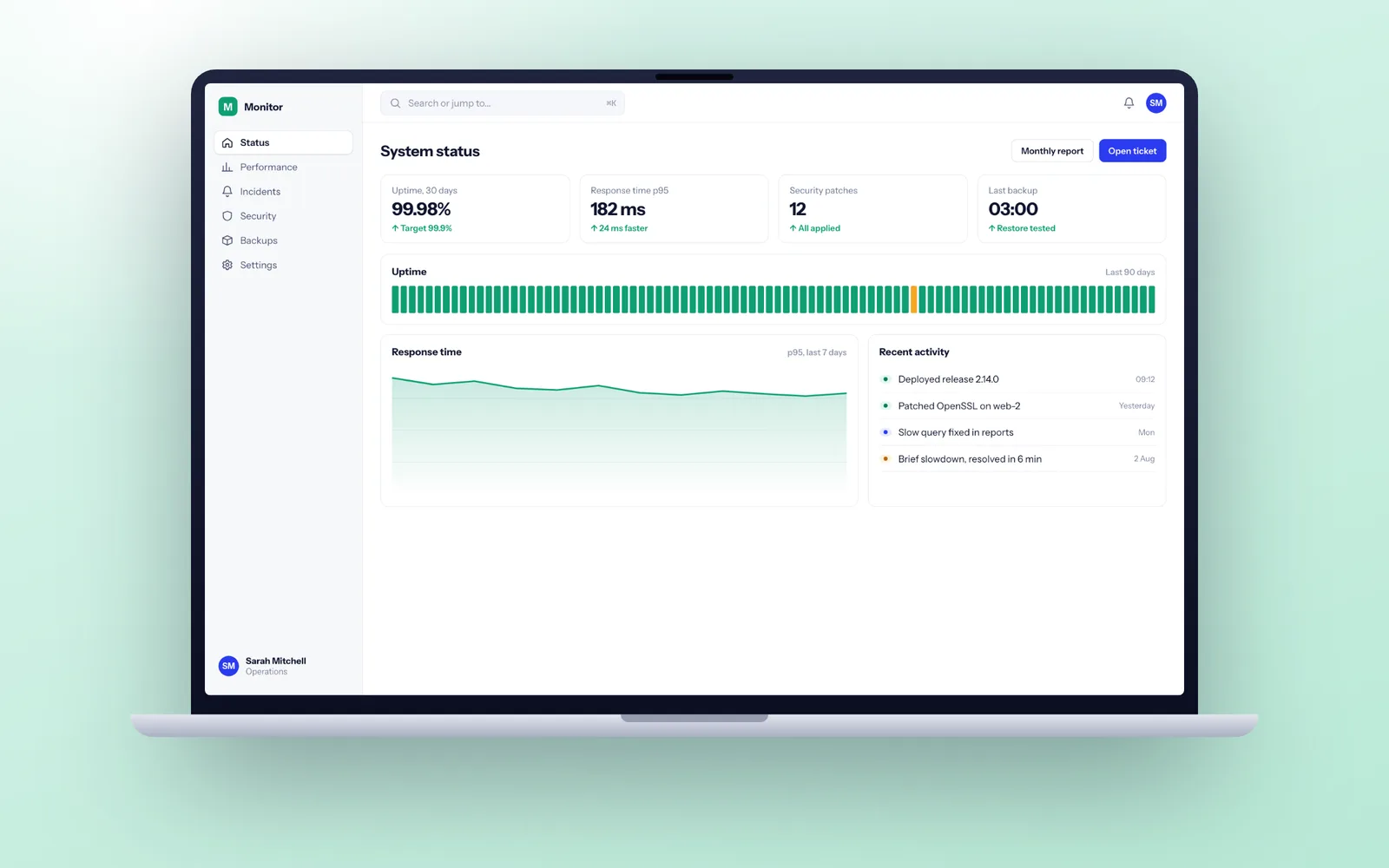
Our plans come in three levels. Care covers hosting management, uptime and error monitoring, daily backups, security patches and next working day fault response. Care plus 2 days and Care plus 5 days add developer days each month for bug fixes, dependency upgrades and small changes. On every plan, critical faults are worked on ahead of all other work until the system is restored.
Care, Care plus 2 days and Care plus 5 days
Every plan covers the essentials that keep a live system safe. The difference between them is how much developer time is set aside each month for fixes, upgrades and small changes.
| Plan | What is covered | Suits |
|---|---|---|
| Care | Hosting management, uptime and error monitoring, daily backups, security patches, next working day fault response | A stable system that rarely changes: an internal tool, a finished integration, a portal that does its job |
| Care plus 2 days | Everything in Care, plus 2 developer days a month for bug fixes, dependency updates and small changes | A system still evolving, with small requests arriving most weeks |
| Care plus 5 days | Everything in Care, plus 5 developer days a month, enough for a steady flow of improvements | A system the business runs on, with an active list of improvements |
Every plan has the same fault response: next working day, with critical faults worked on ahead of everything else. You can move between plans as your needs change.
The hosting accounts stay in your name and you deal with the provider directly. We manage the hosting on your behalf, with our access granted by you and removable by you at any time.
Response times, fix times and what an SLA really promises
A service level agreement (SLA) for application support usually has two numbers, and it is worth knowing which one you are being sold. The response time is how quickly someone qualified starts working on the problem. The resolution time is how quickly it is fixed. Any supplier who guarantees a fix time for problems they have not seen yet is either padding it heavily or guessing.
All our plans include next working day fault response: if you report a fault, a developer who knows your system picks it up no later than the next working day, confirms the severity with you, and keeps you updated until it is resolved or a workaround is in place. We classify faults like this:
| Severity | Example | How we handle it |
|---|---|---|
| Critical | The system is down, or customers cannot pay or log in | Worked on first, ahead of all planned work, until restored |
| Major | An important feature is broken but there is a workaround | Fixed in priority order, usually within a few working days |
| Minor | Something is wrong but work carries on normally | Scheduled into the next batch of fixes |
| Cosmetic | A label, layout or wording issue | Batched with other small changes |
Our monitoring often spots a critical problem before you do, because alerts go to us as soon as error rates rise or the site stops responding. If your system needs someone on call in the evenings or at weekends, we can add out-of-hours cover with a named person on call. Most business systems do not need it.
Bug or change: where we draw the line
This is the most common source of friction in any software maintenance contract, so we define it up front. A bug is when the software does not do what was agreed and tested. A change is when it does what was agreed, but the business now wants something different.
| Situation | Bug or change | Why |
|---|---|---|
| An invoice total is wrong when a discount is applied | Bug | Correct totals were part of the agreed scope |
| Xero has changed its API and the sync has stopped | Maintenance | Keeping existing features working is what the plan covers |
| You want a new field on the order form | Change | It was not in the original specification |
| A report is slow now you have ten times the data | Usually maintenance | Reasonable growth should be handled, unless it is far beyond what was planned |
| Staff want the approval step to work differently | Change | The agreed process is working as designed |
| A security vulnerability is published in a library we use | Maintenance | Always covered, and always prioritised |
For software we built, bugs in delivered work found within the 30 day warranty are fixed under the warranty. After that, plans with included days cover bugs, maintenance and small changes from the same pool of time. Larger changes are planned as separate pieces of work, so a plan's days are never swallowed by one big feature without you agreeing it.
Dependency updates, and why skipping them turns into a project
Every modern application is built on dozens or hundreds of open source libraries, plus a framework (Laravel, Django, .NET, Next.js), a language runtime (PHP, Python, Node.js) and an operating system. Each of these publishes security fixes and, eventually, an end-of-life date after which fixes stop.
Small, regular updates are quick. Most months they take an hour or two: read the release notes, update, run the automated tests, release. Skip them for two or three years and the picture changes. Several major versions need jumping at once, each with breaking changes, and the work turns from a routine task into a project. Systems in that state are the bulk of what our legacy modernisation work deals with.
On every plan, automated alerts tell us when a vulnerability is published in a library your system uses, and we apply security patches promptly. On plans with included days, we also keep the framework and runtime within their supported versions, and tell you months in advance when a larger upgrade is coming so you can plan for it. Our security page covers the rest of how we look after systems in production.
Security incidents and access reviews after go-live
Security work does not end at launch. Most incidents in business systems come from things that changed after the build: a new vulnerability in a library, a leaver whose account was never closed, an API key pasted into the wrong place. On every plan we look after the routine side of that.
- Access reviews. At regular intervals we list everyone with access to the hosting, repository, database and admin screens, and you confirm who should still be there.
- Secrets rotation. Keys and passwords for third-party services are rotated on a schedule and whenever someone with access leaves.
- Penetration test support. If your customers or insurers ask for a penetration test, we prepare the environment, answer the tester's questions and fix the findings.
- An incident plan. If something does go wrong, we contain it, preserve the logs, fix the cause and give you a written account. Under UK GDPR a reportable personal data breach must reach the ICO within 72 hours of you becoming aware of it, and we give you the technical facts you need to make that call quickly.
Our security page covers how we protect systems in production in more detail.
Keeping the system fast as your data grows
A system that was quick with a year of data can feel sluggish with five. Slowdowns creep in gradually, so staff stop noticing them and start working around them instead. We watch for that rather than waiting for complaints.
- Slow query tracking. The database logs any query that takes too long, and we add indexes or rewrite the worst offenders before users feel them.
- Response time monitoring. We track how long key pages and API calls take each month, so a gradual slowdown shows up as a trend, not a surprise.
- Archiving and retention. Old records are archived or deleted in line with your retention rules, which keeps the live database lean and helps with UK GDPR.
- Right-sized hosting. As usage grows we recommend when to scale the server or database, and when tuning the code is the better answer.
Supporting software we did not build
Software written by someone else is welcome: a freelancer who has moved on, an agency that has closed, or a developer who has left the business. We always start with an onboarding review, so we know exactly what we are agreeing to support.
The review takes 2 to 5 days. We get access to the code, hosting and third-party accounts, check the system builds and deploys, look at backups, dependencies and security basics, and write a short report with anything that needs urgent attention. Then the system can go on a plan with a clear understanding of what is covered.
If the review turns up serious problems, such as no working backups, code we cannot deploy, or credentials held by someone who has disappeared, we will tell you plainly and suggest a short stabilisation phase first. That is the same process as our software project rescue service, on a smaller scale.
Monitoring, backups and the restore test
Monitoring and backups are the least visible parts of support and the ones you are most grateful for on a bad day. On every plan:
- Uptime checks run every few minutes from outside your hosting, so we know about an outage even if the server cannot tell us.
- Error tracking (such as Sentry) records every crash with enough detail to fix it, often before a user reports it.
- Daily backups of the database and uploaded files are stored separately from the live system, in a UK or EU region, in an account you own.
- A restore test when we take the system on and at regular intervals after that, where we actually rebuild the system from a backup into a test environment. A backup nobody has restored is not proven.
- SSL certificates, domains and email settings are watched for expiry, so nothing lapses because a renewal email went to someone who has left.
Leaving a plan, or moving to a bigger one
Because the code, hosting, domains and third-party accounts are already in your name, leaving a plan is a matter of removing our access. We hand over the runbook, the monitoring setup and an up-to-date list of anything outstanding, and we will brief the next supplier if you want us to. Our guide on what happens if your software developer goes bust explains why that ownership matters.
If your needs grow beyond five days a month, a plan stops being the right shape. At that point a dedicated development team working on your product every week usually makes more sense, and you can move between the two as your roadmap changes.