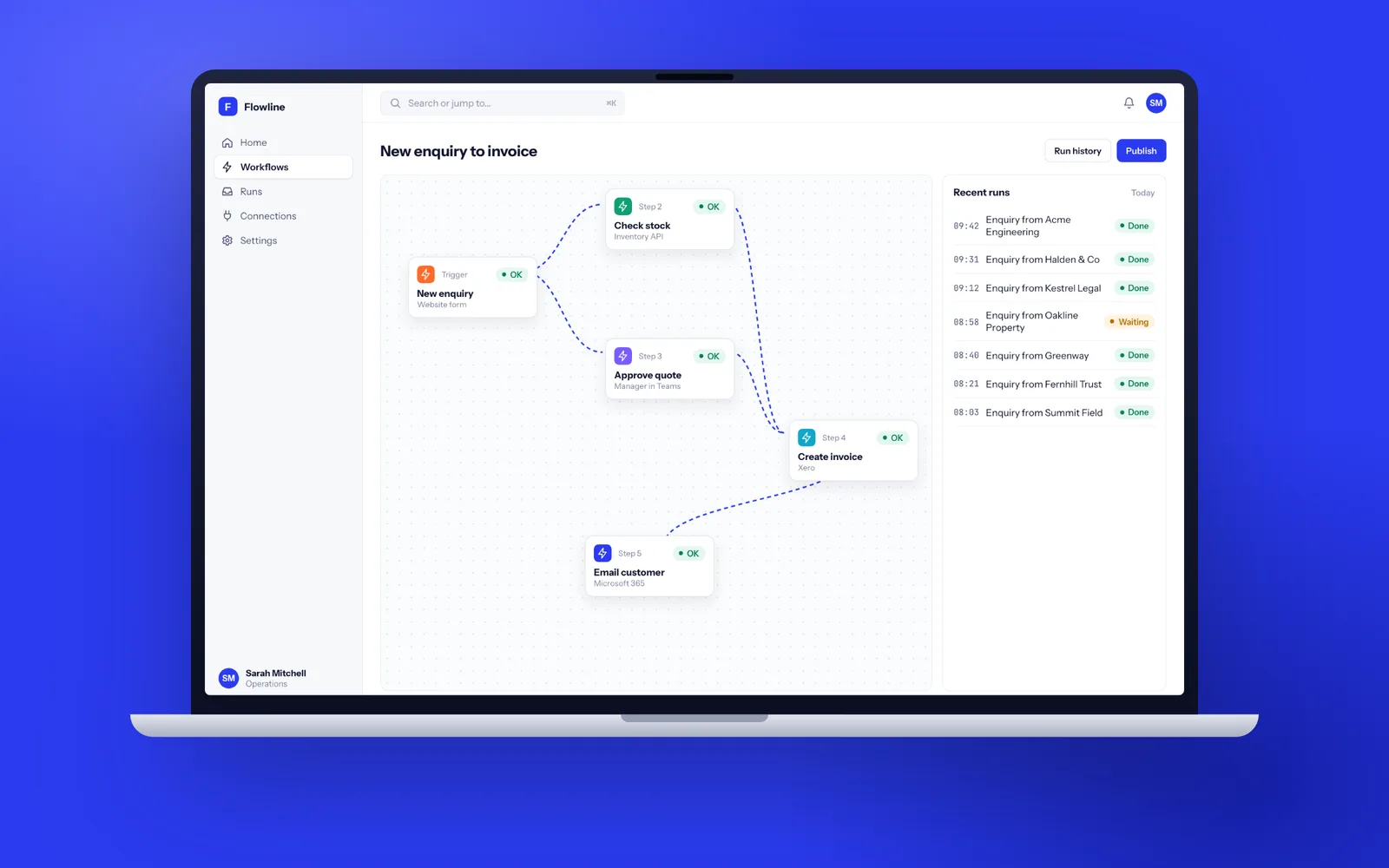
Business process automation replaces work that moves by spreadsheet, email and memory with software that applies your rules, routes approvals and records every step. A single critical process, such as purchase approvals or job sheets flowing into Xero, typically goes live in 7 to 10 weeks, and tidying existing Zapier, Make or Power Automate flows takes 1 to 3 weeks. Fixology works the way we believe the UK's leading software development company should: senior UK developers, working software to try every two weeks, and code and data in your own accounts.
Signs a process is ready to automate
The best candidates are not the most complicated processes. They are the repetitive ones that eat skilled people's time and break when someone is on holiday.
- The same details are typed into two or three systems, for example a job booked in a spreadsheet, then in the scheduling tool, then in Xero.
- Approvals happen by forwarding emails, and nobody can say quickly who approved a large order or when.
- A spreadsheet has grown tabs, macros and colour codes that only its author understands, and it is shared on a drive where two people overwrite each other.
- Month end means a day of copying, pasting and reconciling before anyone can see the numbers.
- Customers or staff ask for status updates that the system could send itself.
Common examples are purchase order approval, new starter and leaver onboarding, enquiry to order to invoice, credit note authorisation, compliance checklists for site visits, and stock or asset registers kept in Excel.
When Zapier, Make or Power Automate will do the job
We would rather point you to a tool you can run yourself than build something you do not need. Low-code automation platforms are excellent when:
- the flow joins two or three cloud apps that already have connectors, such as a web form to HubSpot to a Slack message;
- it has fewer than about ten steps and simple branching;
- volumes are modest, a few hundred runs a month rather than tens of thousands;
- if a run fails, someone can retry it by hand without real harm.
If your business already lives in Microsoft 365, Power Automate with a SharePoint list or Dataverse table is a sensible first step for approvals. For a comparison of the main tools, see our article on Zapier vs Make vs n8n.
Where no-code automation runs out of road
Many businesses that ask about workflow automation have already tried no-code first. The problems tend to look the same.
- Logic is scattered. Forty separate zaps or flows, built by three people over two years, each fixing an edge case in another. Nobody can say what happens when an order is cancelled.
- A spreadsheet is the database. Rows get deleted, columns get renamed, and the automation silently writes into the wrong place.
- Failures are quiet. A connector token expires and orders stop flowing for a week before anyone notices.
- Volume hits limits. Timeouts, step limits and API throttling start dropping work once runs reach the thousands.
- Controls are weak. Anyone with edit access can change an approval rule, and there is no record of who changed it.
At that point the answer is a small application that holds the data properly and runs the rules in code, often keeping one or two low-code flows at the edges where they still make sense. Connections to other systems are built the way described on our integration services page, with retries and alerts rather than hope.
Replacing a spreadsheet without losing what made it useful
Spreadsheets survive because they are flexible, visible and need nobody's permission. A replacement that is slower to use than Excel will be quietly abandoned, and people will go back to the old file.
So we start by sitting with the people who use the sheet every day. Each formula, colour code and hidden column usually encodes a business rule, such as "orange means the customer is on stop" or "new customers need a credit check before the first order". Those become explicit rules in the software, written down where anyone can read them. We keep the grid-style views people like, add filters and saved views, and keep an export to Excel so finance can still do their own analysis.
The history comes with you. We import the existing rows, clean up duplicates with your help, and flag records that do not fit the new rules so they can be fixed before launch rather than after.
Approvals, audit trails and separation of duties
Automating an approval is easy. Automating it in a way your auditor, insurer or finance director will accept takes more thought.
- Thresholds and routes: small orders approved by a team lead, larger ones by a director, the largest by two people. Rules are configured in an admin screen, and every change to a rule is itself logged.
- No self-approval: the person who raises a purchase order or a supplier bank detail change cannot approve it.
- Delegation: approvers set a deputy when they are on leave, so work does not stall.
- An audit trail that cannot be edited: every submission, approval, rejection and data change records who, what, when and the value before and after. Records are append only, so history cannot be rewritten.
- Evidence on demand: one click exports the full trail for a transaction, which turns a two day audit request into five minutes.
Measuring what the automation actually changed
An automation project should be judged on results, so we measure the process before we touch it and again after launch. In discovery we record a baseline with your team: how long a request takes from submission to approval, how many hours a week go on re-keying and chasing, how often something is entered twice or wrongly, and how many items sit waiting at month end.
The new system tracks the same things automatically. A simple dashboard shows requests in progress, where each one is waiting and for whom, average time at each step and anything stuck beyond its target. Typical results to look for are approvals that take hours instead of days, a month end close that starts on the first working day rather than the fourth, and no more invoices typed twice.
We review those numbers with you at 30 and 90 days. Where a step is still slow, it is usually a rule worth changing rather than a person, and changing it is a setting rather than a project.
An eight week automation project
- Week 1, discovery: we map the process as it really runs, including the workarounds, and agree what the first version automates. You get a short specification, screen sketches and a delivery plan.
- Weeks 2 and 3: data model, forms and the core records, demonstrated on a test link with your real categories and approvers.
- Weeks 4 and 5: approval rules, notifications by email and Microsoft Teams, and the audit trail.
- Week 6: integration with Microsoft 365, Xero, Sage or whichever system the result needs to reach, plus the history import.
- Week 7: testing with the people who do the work, including the awkward cases they remember from last year.
- Week 8: training, switch-over and the spreadsheet set to read-only, so there is one place to work from.
Demos happen every two weeks whatever the project size, as described on how we work.
Where AI belongs in a workflow, and where it does not
AI is useful inside a workflow when the input is messy: reading supplier invoices and delivery notes, pulling fields out of emailed forms, or sorting incoming requests into the right queue. It is the wrong tool for anything that must be exactly right every time, such as approval limits, VAT treatment or who is allowed to see a record. Those stay as plain rules in code.
When we add an AI step, it proposes and a person confirms until the accuracy on your own documents is proven, with low-confidence results always routed to a human. Every suggestion is logged alongside the decision taken. Our AI development page covers document extraction and how we test it before it goes live.
Workflow software that keeps running when nobody is watching
An automated process only helps if it keeps working at 2am and during the August holidays. Every workflow we build has health checks, a queue for work waiting on other systems, automatic retries and alerts to email or Teams when something needs a person. A status screen shows what is in flight and what failed, and any failed step can be retried with one click.
You own all of it. The code sits in a repository in your account, hosting is in your name in a UK or EU region, and the contract assigns all IP to you. Each release comes with documentation and a runbook, so your next developer would find conventional code rather than a mystery. After launch, a support plan covers monitoring, updates and new rules as the business changes, cancellable with 30 days notice.
Automation and personal data
Workflows often move personal data: employee details in onboarding, customer contact details in order flows, bank details in supplier set-up. Each extra tool in a chain is another processor holding that data, and some low-code platforms process data outside the UK. A bespoke workflow lets you keep the data in one place, in a UK region, with retention rules that delete what you no longer need.
If a workflow makes a decision about a person with no human involved, such as rejecting a job applicant or a credit application, UK GDPR has specific rules about solely automated decisions. We build a human review step into those decisions by default. Our security and UK GDPR page explains how we handle data on every project.