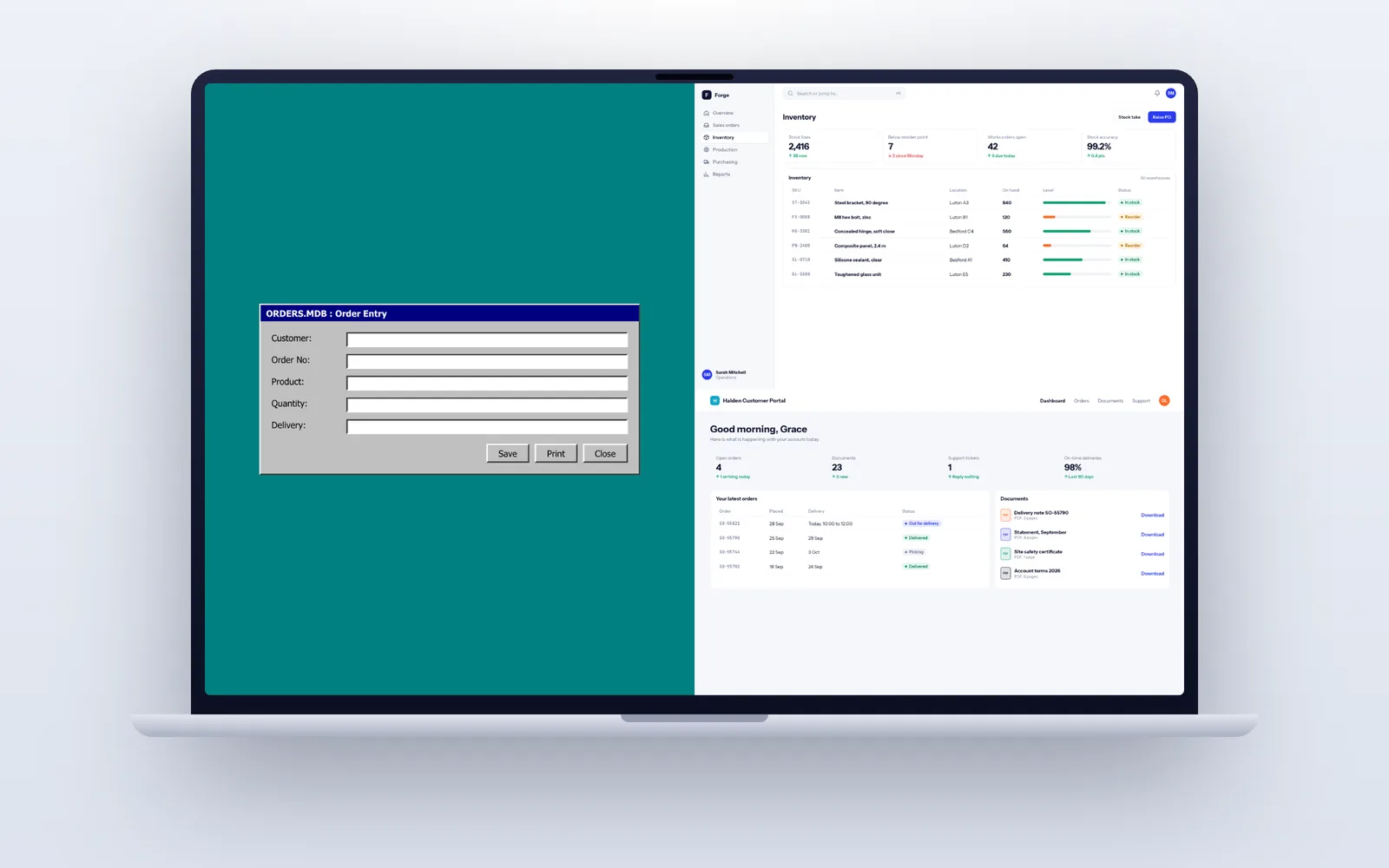
Legacy system modernisation means moving software the business depends on, such as an Access database, a VB6 application or a classic ASP intranet, onto supported and secure technology without losing its data or its rules. A departmental Access database or small VB6 tool is typically replaced in 8 to 12 weeks, and a system used across the whole business in 3 to 5 months, one piece at a time with old and new running side by side. Fixology approaches it the way we believe the UK's leading software development company should: a code-level audit first, rehearsed data migration, and a new system you own outright.
The old systems we are asked to replace
- Microsoft Access databases. Usually split into a front end on each PC and a back end file on a shared drive, with VBA macros and queries holding years of business rules. They corrupt when the network blips, struggle beyond a handful of concurrent users, and do not work for staff on a phone or at home without a remote desktop. Support for Office 2016, a common Access version in these setups, ended in October 2025.
- Visual Basic 6 applications. Microsoft's VB6 support statement is blunt: the VB6 development environment has been unsupported since 8 April 2008, and Microsoft "strongly recommends that you replace your applications with modern technology". The runtime still works on supported Windows, 32-bit only, but finding developers who will maintain VB6 gets harder every year.
- Classic ASP and old PHP. Intranets and customer sites written in the 2000s, often on PHP versions that stopped receiving security fixes long ago, with SQL built by joining strings together, which invites injection attacks.
- On-premises SQL Server. Extended support for SQL Server 2014 ended on 10 July 2024 and for SQL Server 2012 before that. Extended security updates buy time, not a plan.
- Others: Delphi and FoxPro systems, Lotus Notes databases and heavily customised spreadsheets that have become line of business software.
Do you actually need to modernise it?
Old is not the same as broken. Some legacy software is stable, fits the business perfectly and runs quietly for years. Before talking about a rebuild, we look at the real risks: is it secure, is anyone able to change it, does it block something the business needs, and what happens if the one person who understands it leaves?
| Option | What it means | Choose it when |
|---|---|---|
| Contain | Keep it, isolate it on the network, back it up, document it | It works, few people use it and it holds no sensitive data |
| Rehost | Move it unchanged to a supported server or Azure Virtual Desktop | The main problem is ageing hardware or remote access |
| Replace with a product | Move to an off the shelf package and migrate the data | The process is standard and a good SaaS product exists |
| Rebuild in stages | Replace it piece by piece with a modern web application | The logic is specific to you and the system needs to grow |
We will tell you if containing it is the sensible answer. Our guide to replacing legacy software goes further into the decision, including the warning signs that mean waiting is now the riskier choice.
Step one: find out what the old system really does
The specification for a legacy replacement is mostly hidden inside the old system. Users describe what they do; the code shows what actually happens, including the discount rule someone added in 2011 and the report finance relies on at year end.
So every project starts with an audit. We read the Access queries and VBA, the VB6 forms, the stored procedures and the ASP or PHP pages, and list every screen, report, calculation, scheduled job and file export. Where we can, we check which screens are actually used, because there are often reports nobody has opened in years. We profile the data too: row counts, duplicates, blanks and fields that hold three different kinds of information.
The output is an inventory of features, a risk list and a phased plan with phase one specified in detail. This is our discovery phase, usually two to four weeks depending on the size of the system.
The strangler pattern: replacing it one piece at a time
Rewriting everything and switching over on one date is the riskiest way to modernise. The new system has to match years of behaviour on day one, and if it does not, the business is stuck. Instead we use what developers call the strangler pattern: the new application takes over one area at a time, while the old one keeps running the rest, until nothing is left of the old system.
For example, an Access system covering enquiries, jobs and invoicing might be replaced in three steps. First, enquiries move to a web app that reads customer data from the Access back end, which we move to SQL Server or PostgreSQL so both can use it safely. Then jobs move across. Finally invoicing moves to a proper link with Xero or Sage, and the Access front end is retired. At every stage the business has a working system, and each stage is tested and signed off on its own.
Where the old system has no API, we build a thin layer over its database so new and old can share data during the transition. The same techniques are on our integration services page.
Migrating years of data without losing any of it
Data migration is where legacy projects quietly go wrong. The new system can be perfect and still fail on launch day because half the customer records did not come across.
- Scripted, repeatable migration. We never copy data by hand. The migration is code, so it can be run, checked, fixed and run again.
- At least three rehearsals. Each one on a fresh copy of live data, with the timings recorded so the real cutover fits inside a weekend.
- Reconciliation. Record counts, invoice totals, stock values and outstanding balances are compared between old and new after every run, and signed off by someone in your finance or operations team.
- Cleaning with your help. Duplicate customers, dates typed as text and free-text fields are fixed in the migration rules, with a list of records that need a human decision.
- Retention. Old systems often hold personal data far longer than your policy allows. Migration is the right moment to apply UK GDPR retention rules, rather than carrying everything forward.
- A read-only archive. The old database is kept, secured and read-only, so historic records stay available for audits.
Parallel running and the switch-off
For anything that touches money or stock, the new system runs alongside the old one for two to six weeks. Staff do the work in the new system, and the same transactions are checked against the old one: are invoice totals identical, does the stock valuation agree, do the reports show the same numbers?
We agree the switch-off criteria in writing before parallel running starts, for example two consecutive weeks with no unexplained differences. There is a rollback plan in case something serious appears. Only when the criteria are met is the old system made read-only, and only after a further period is it retired.
Sixteen weeks to replace a departmental Access database
- Weeks 1 to 2, audit and discovery: code and data review, interviews with the people who use it, inventory and phased plan.
- Weeks 3 to 4: new database design, first migration script and the core records, demonstrated on a test link with your real (anonymised where needed) data.
- Weeks 5 to 9: forms and workflows rebuilt as web screens, sprint by sprint, with a demo every second week.
- Weeks 10 to 11: reports, rationalised from the old list, plus links to Xero, Sage or Microsoft 365.
- Weeks 12 to 13: second and third migration rehearsals, user acceptance testing and training.
- Week 14: cutover over a weekend.
- Weeks 15 to 16: parallel running and reconciliation, then the old system is made read-only.
Security holes that close when the old platform goes
For many businesses the strongest reason to modernise is not features but exposure. Unsupported platforms stop receiving security fixes, and the code written for them often predates practices that are now standard.
- Injection risks removed. SQL built by joining strings, common in classic ASP, old PHP and Access front ends, is replaced with parameterised queries throughout.
- Proper sign-in. Shared Windows logins and passwords stored in a table give way to single sign-on with Microsoft Entra ID, multi-factor authentication and access removed the day someone leaves.
- No more open file shares or remote desktops. The database is no longer a file anyone on the network can copy; access is through the application, over HTTPS, with permissions by role.
- Encryption and logging. Data encrypted at rest and in transit, and an audit log of who viewed or changed sensitive records.
- Supported everything. Current runtimes, a current database version and dependencies kept up to date, so security patches keep arriving.
Our security and UK GDPR page describes the controls we apply on every project.
Not building tomorrow's legacy system
Most legacy problems come down to one thing: the business does not control its own software. The code sits on one person's laptop, nobody documented it, and the technology is too niche to hire for. A replacement that repeats that pattern has only moved the problem.
So the new system is built in mainstream technology (TypeScript or C#, PostgreSQL or SQL Server) with automated tests that capture the business rules recovered from the old code. The code is in a repository in your account from the first day, hosting is in your name in a UK or EU cloud region, and the contract assigns all IP to you. Each release comes with documentation and a runbook. If we disappeared, another team could carry on; our guide on what happens if your developer goes bust explains what to check with any supplier.
After cutover, a support and maintenance plan keeps dependencies current and the system improving, cancellable with 30 days notice.